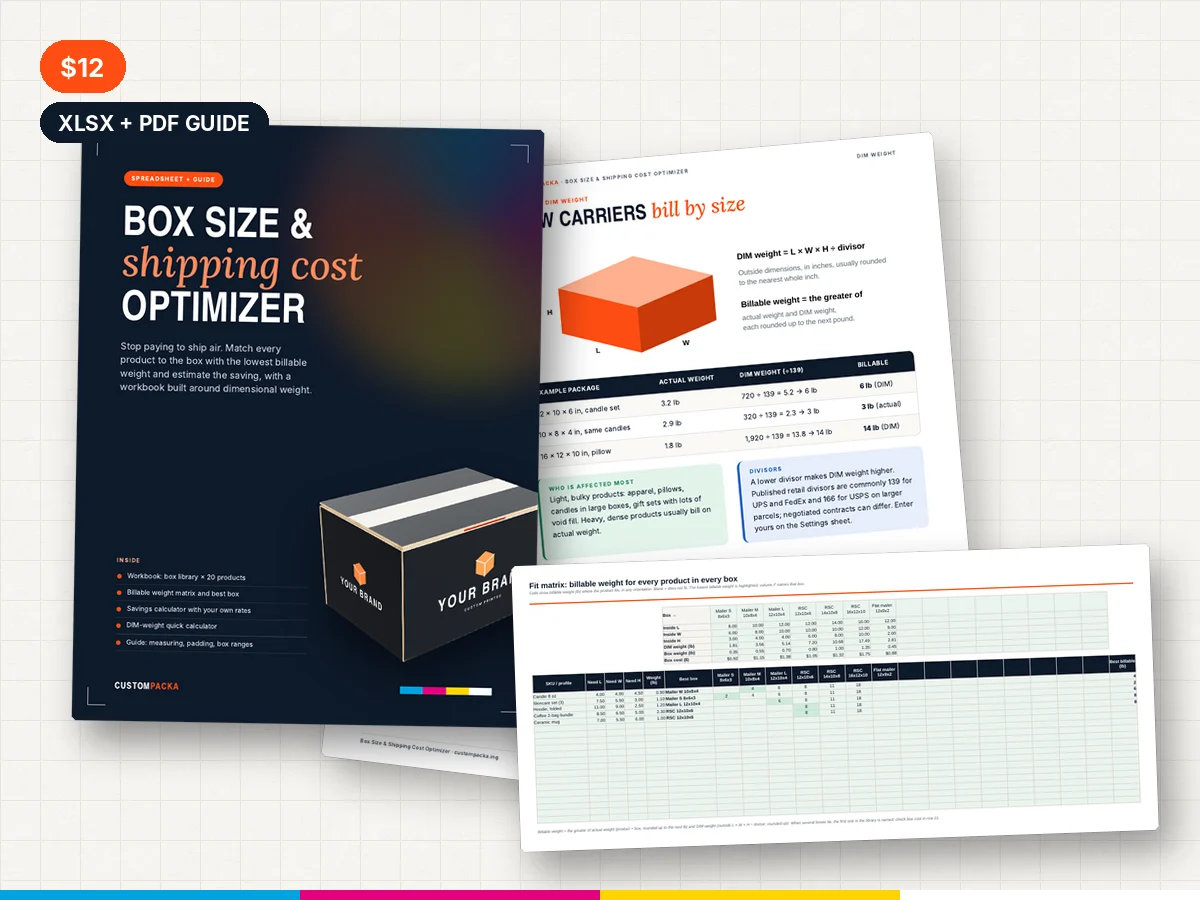
Stop paying to ship air
Parcel carriers bill by size as well as weight. A box that is slightly too big can push every shipment into a higher billable weight. The Box Size & Shipping Cost Optimizer shows which of your boxes gives each product the lowest billable weight and estimates what right-sizing is worth.
What's in the workbook
Settings
Carrier DIM divisors and the size above which DIM weight applies, with common published defaults you can edit to match your contract, plus a wall allowance and default padding.
Box Library
Up to 15 boxes and mailers with inside dimensions, optional outside dimensions, box weight and cost.
Products
Up to 20 SKUs or order profiles with size, weight and padding. Needed inside dimensions calculate automatically.
Fit Matrix
Every product against every box. Where the product fits (in any orientation), the cell shows billable weight; the lowest is highlighted and the best box is named.
Savings
Monthly orders and your carrier rates for the current and best box give the monthly and yearly saving, including any change in box cost.
Quick Calculator
DIM weight and billable weight for one package across your carriers.
The guide
A 10-page PDF on DIM weight, measuring like the carrier does, padding by product type, designing a box range, boxes vs. mailers, a worked saving and a right-sizing project checklist.
Format
XLSX workbook with live formulas and conditional highlighting, plus the PDF guide.
License
Use the files for your own business and for client projects. Please do not resell, share or redistribute the files, or include them in other template products.
Frequently asked questions
Does it quote shipping prices?
No. It calculates billable weight. You enter your own rates from your rate card or shipping software to estimate savings.
Are the carrier divisors up to date?
The defaults are common published values, but rules and contracts differ and change. Always confirm divisors and thresholds with your carrier and edit the Settings sheet.


